
GPS Wave Tracking for Every Session
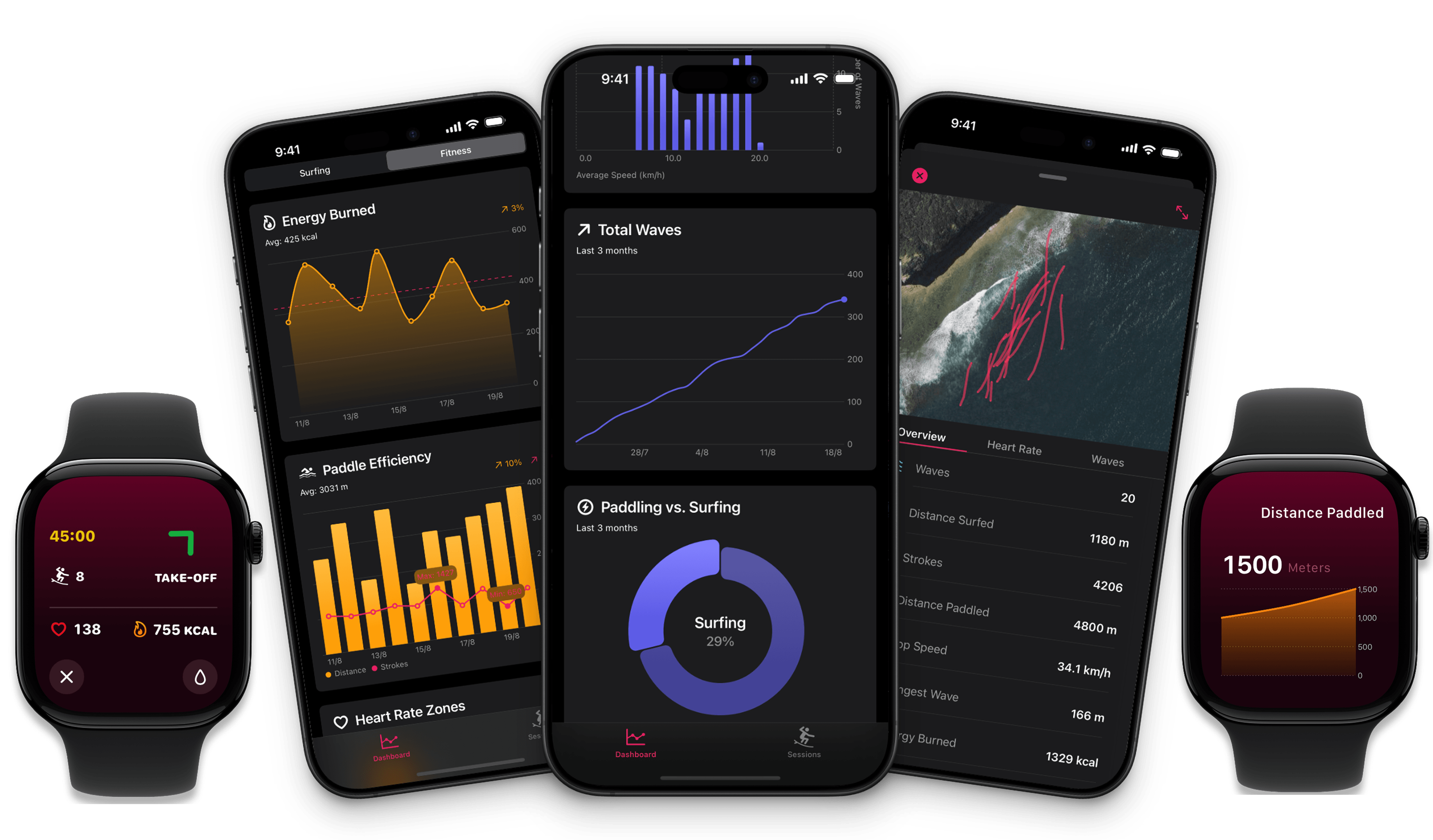
Gone Surfing uses Apple Watch GPS to map your entire session in real time. See exactly where you caught every wave, how far you paddled, and where you spent the most time in the lineup.


See Your Sessions from Above
From the water, every wave feels the same. But satellite GPS data tells a different story. Gone Surfing's GPS tracking reveals exactly where each wave was caught, showing you patterns invisible from sea level: are you consistently catching waves in the same zone, or scattered across the break?
Real-time GPS tracking on your Apple Watch does more than log your route. It measures your distance from the optimal take-off zone and shows you when you've drifted. Most surfers are shocked to discover they spend 60-70% of their session outside the best wave-catching position — GPS data makes this impossible to ignore.
After each session, review your GPS map on your iPhone. Zoom into specific waves, trace your paddle path, and compare positioning across sessions. Over time, GPS data reveals which spots in the lineup consistently produce the best waves for your ability level.
Everything you need in Gone Surfing
Discover all the powerful features that make Gone Surfing the perfect app for your needs.
📍Never Miss the Peak Again
Your watch vibrates and shows you exactly which direction to paddle. No more drifting. No more guessing.
When you drift 20 meters off (and you will), get instant guidance back to the sweet spot. Users report catching 50-100% more waves from day one. It's almost unfair.
📊See Why You Missed Waves
Post-surf maps show exactly where you caught waves. The truth hurts, but it helps.
Satellite view reveals where every wave happened. Most surfers are shocked to see they were 20 meters off the peak without knowing it. Knowledge is power, and more waves.
💪Paddle Smarter, Not Harder
Track distance, speed, and heart rate. Discover you're paddling 3x more than needed because you're in the wrong spot.
The average surfer paddles 4-5km per session. Gone Surfing users paddle 2-3km but catch more waves. Efficiency means longer sessions and more energy for the waves that matter.
📈Analytics No Other App Has
Deep-dive charts reveal why some sessions feel magical. See patterns you'd never spot in the water.
See if you're paddling 5km to surf 1km (bad ratio), track wave speed distribution to spot if you're catching mostly mushburgers or sets, and monitor heart rate zones to know when to skip a day.
From 8 Waves to 15+ Waves
Three simple steps that change everything:
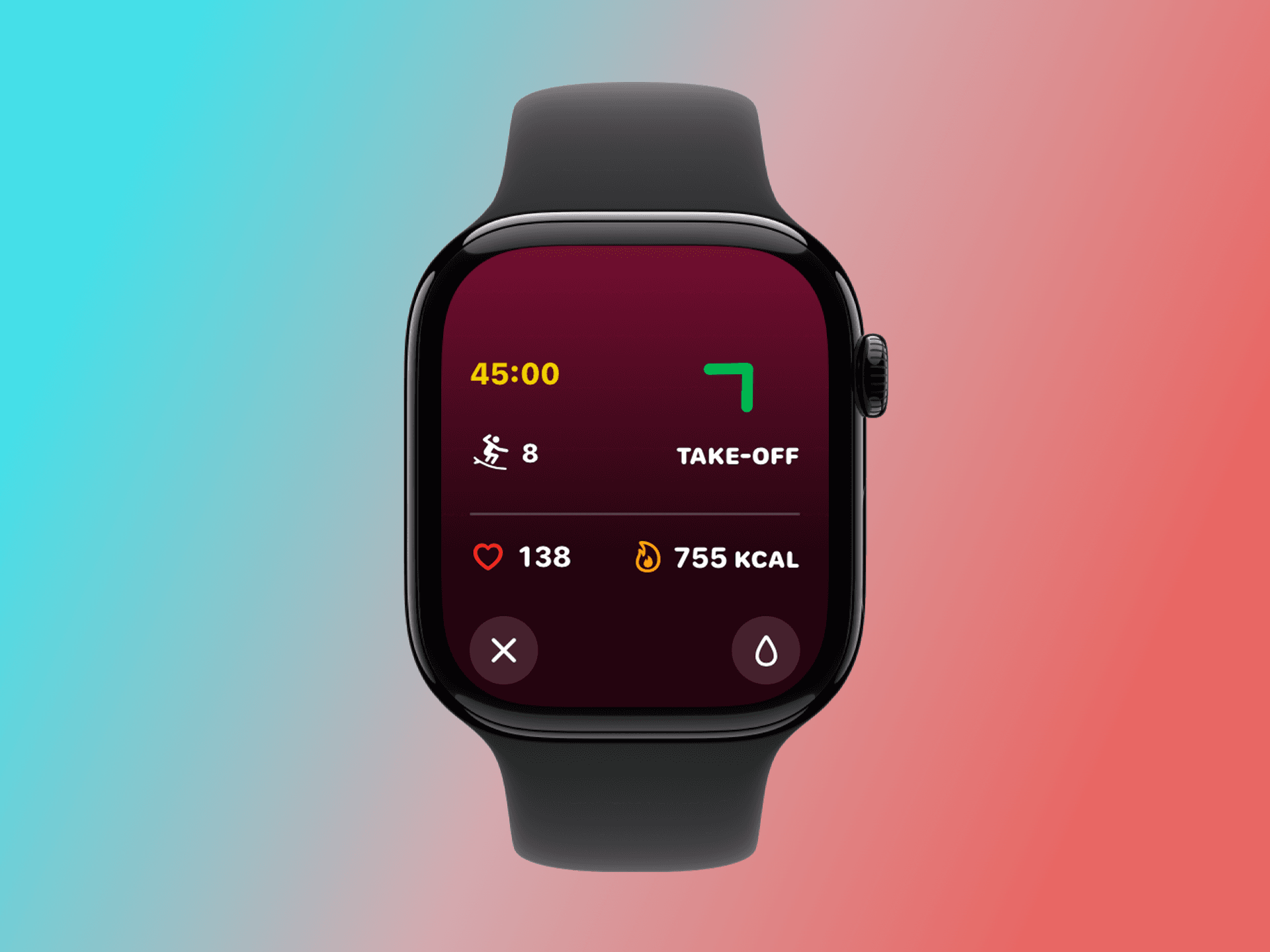
1. Tap Start. Surf Normal.
Start the session on your watch. That's it. The app tracks what matters while you focus on surfing.
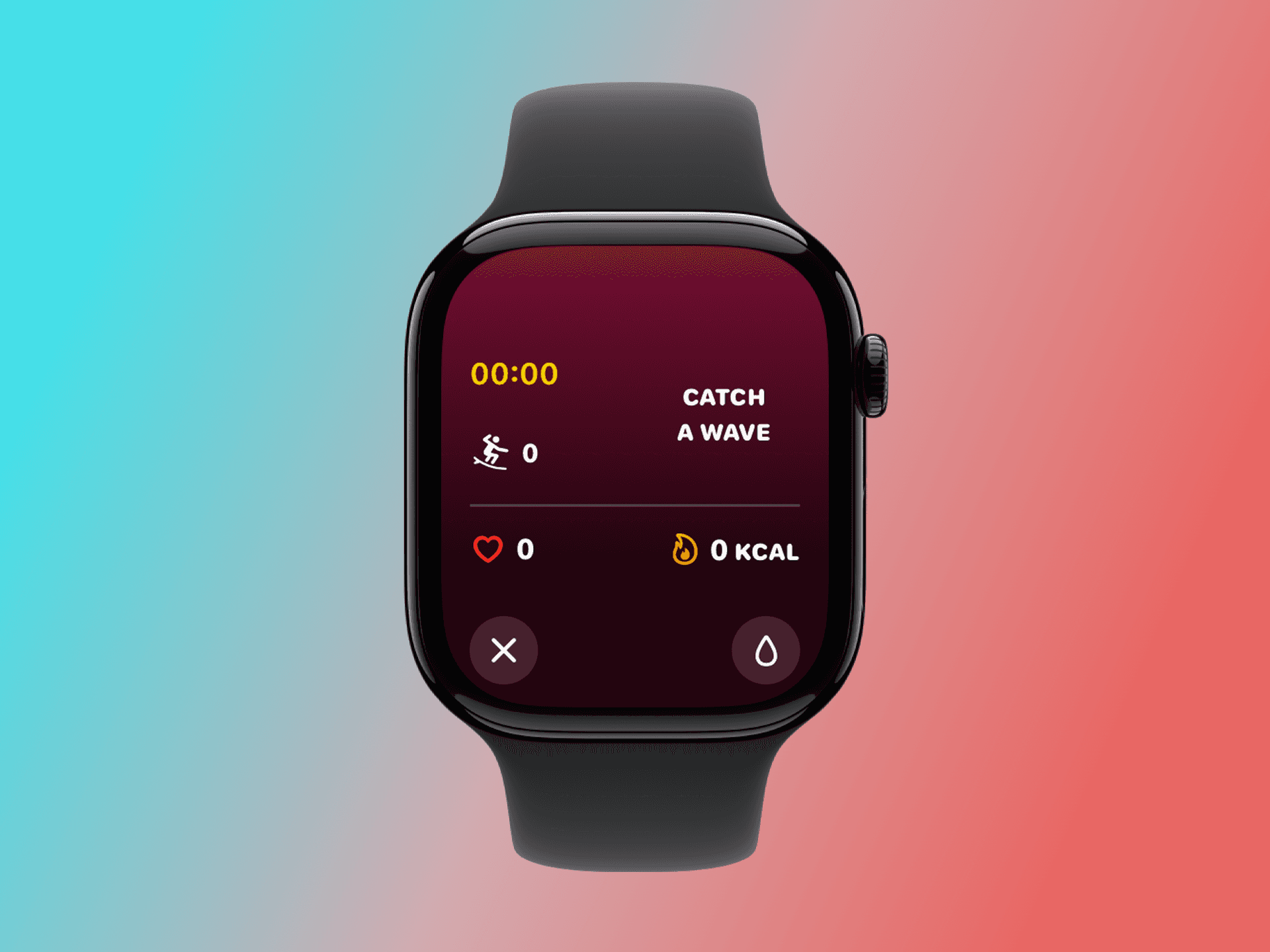
2. Get Guided Back
Drifted 19 meters out of position? Your watch shows exactly how far and which direction to paddle back.
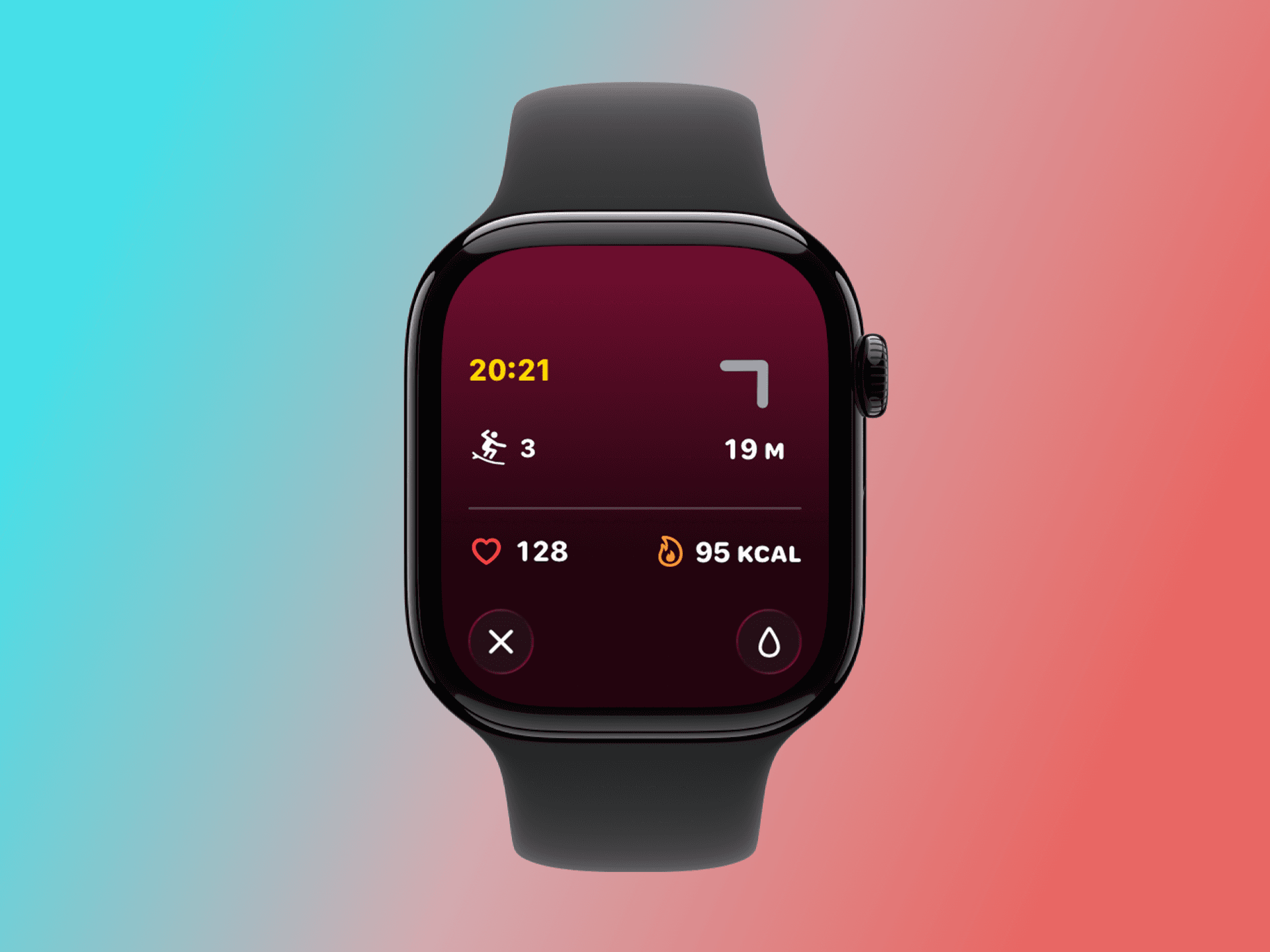
3. Hit the Take-Off Zone
Green means go. You're back in the sweet spot where waves are catchable. Watch your wave count climb.
Loved by Gone Surfing users
See what our users are saying about their experience with Gone Surfing.
Marcus K.
Weekend Warrior, 2 years surfing
First session: 8 waves. Second session with the app: 17 waves. Same break, same conditions. I was literally surfing 30 meters from the actual peak the whole time. Feel like an idiot, but a happy idiot.
James T.
Dawn Patrol Regular
I only get 90 minutes before work. Used to catch maybe 6 good ones. Now I'm consistently getting 12-15. The arrow on my wrist is like having a local friend telling you where to sit. Game changer.
Nina R.
Intermediate Surfer
The post-surf map was humbling. I was paddling in circles, burning energy, missing sets. Now I paddle half the distance and catch twice the waves. My boyfriend thinks I got coached. Nope, just this app.
Frequently asked questions
Everything you need to know about Gone Surfing.
Thousands of surfers are catching twice as many waves
They're using Gone Surfing. One session and you'll never surf without it again.
